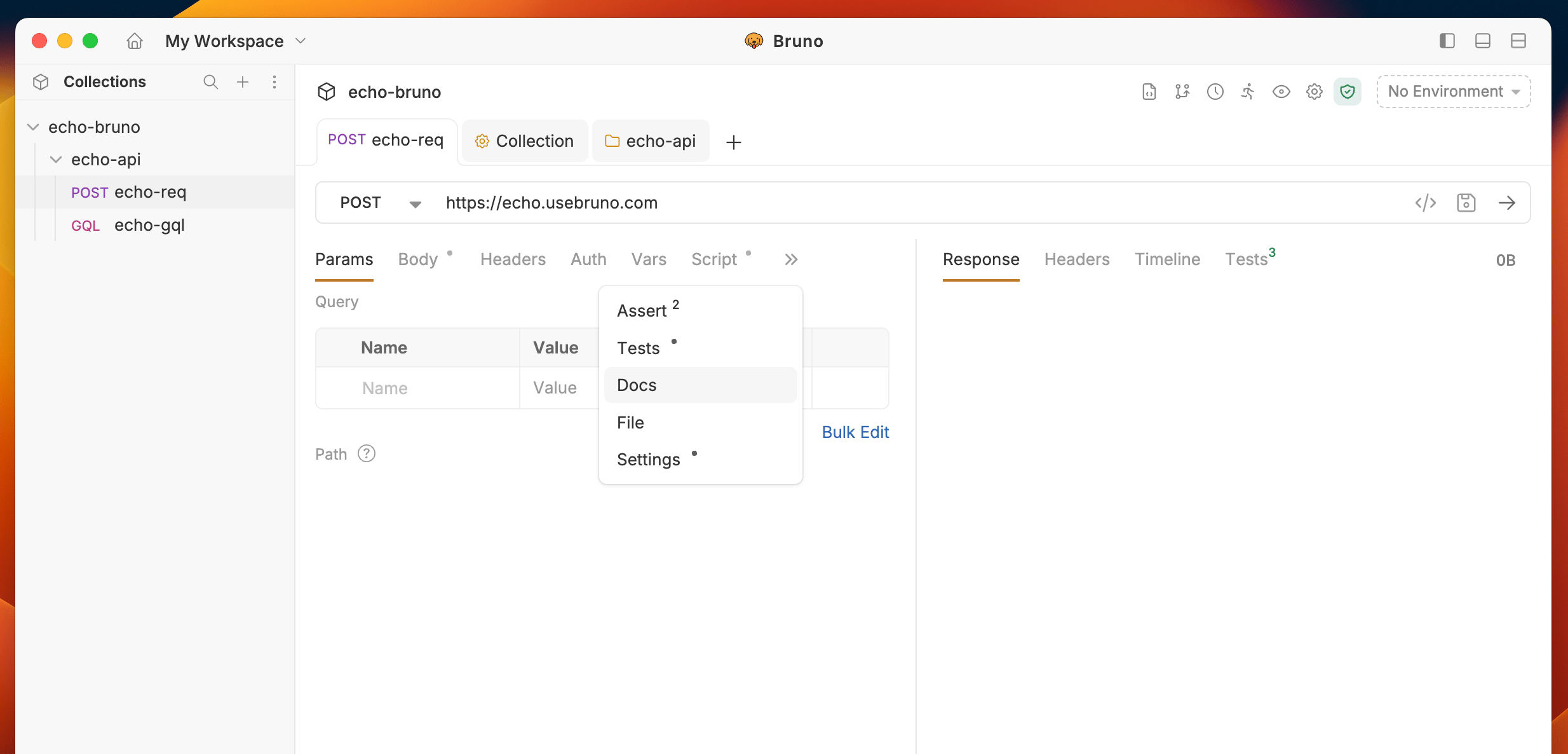
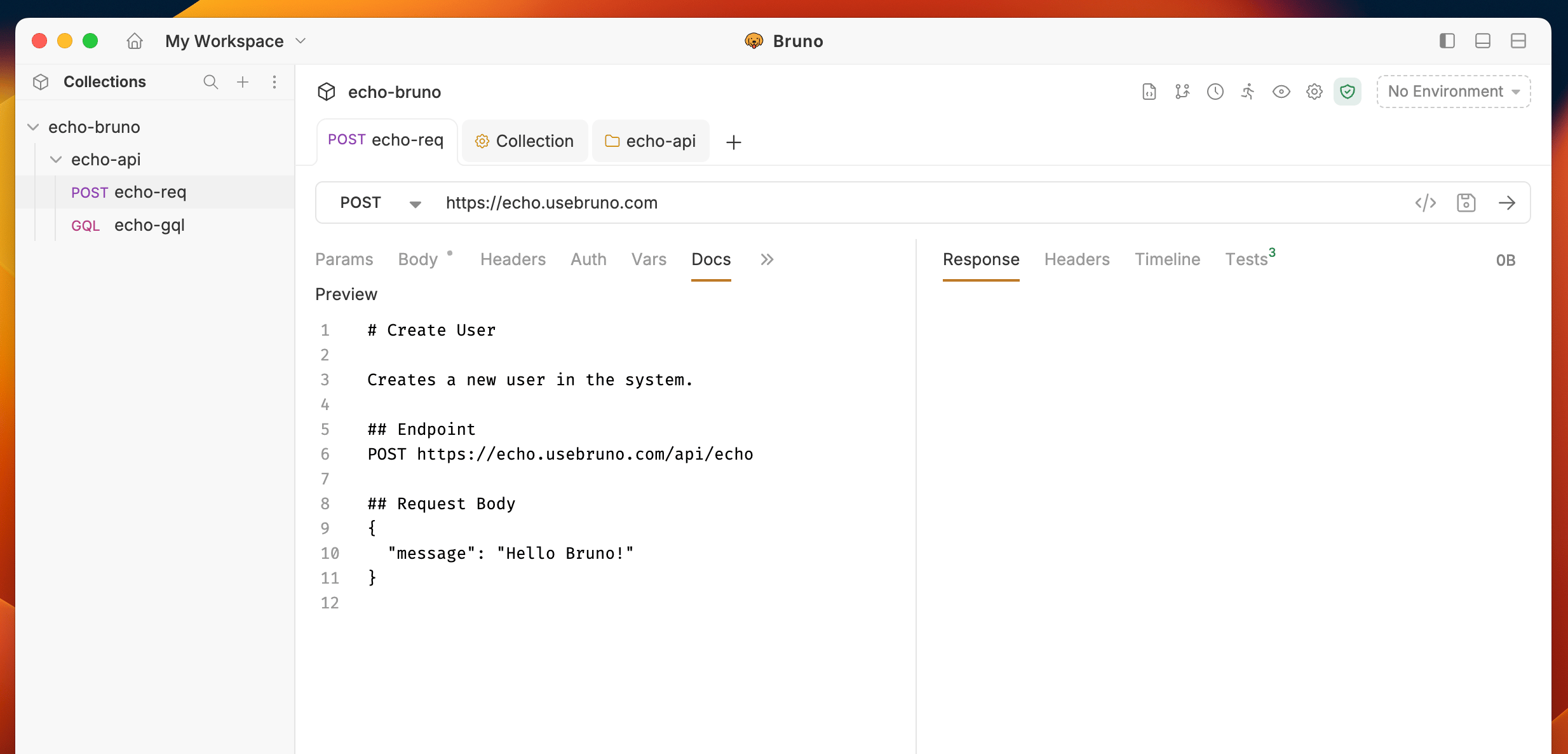
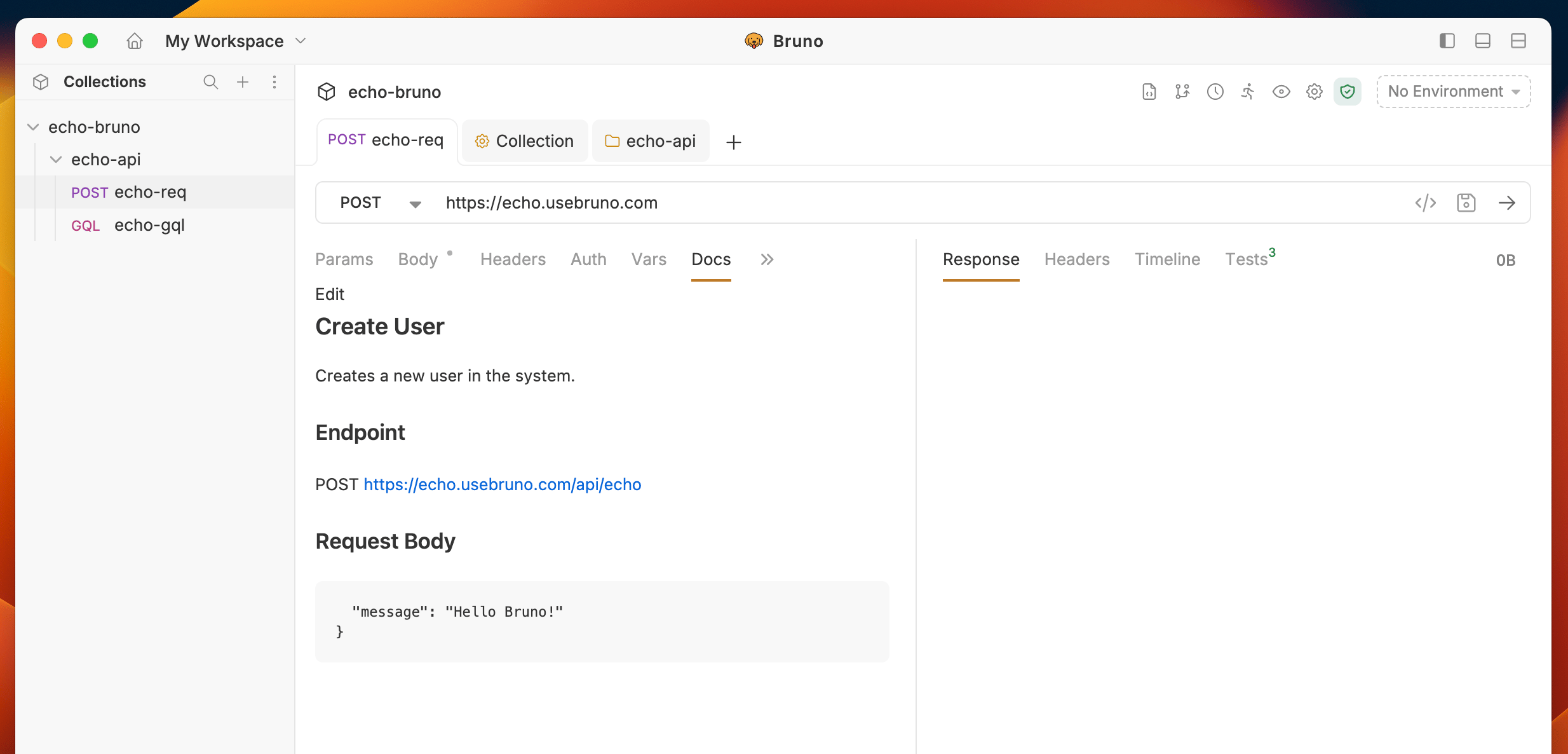
In Bruno, you can create Request-level documentation to provide specific details about your API and its functions. Bruno offers a Docs section where you can easily write and manage your request-level documentation.
The request Docs editor supports both Rich Text (WYSIWYG) and Markdown modes. Use the mode switch in the toolbar to toggle between them at any time — content stays in sync because Markdown remains the underlying source of truth.In Rich Text mode you can use the toolbar to add headings, bold and italic text, lists, task lists, tables, links, images, and code blocks, and to undo or redo changes without writing raw Markdown.