> ## Documentation Index
> Fetch the complete documentation index at: https://bruno-a6972042-mintlify-ccef9df1.mintlify.site/llms.txt
> Use this file to discover all available pages before exploring further.
# Billing
License Administrators can manage everything related to their Bruno subscription's billing directly from the License Management Portal. Bruno partners with [Stripe ↗](https://stripe.com/) to securely process payments and manage your billing details.
## Accessing Billing
* Navigate to `Settings`
* Select `Billing`
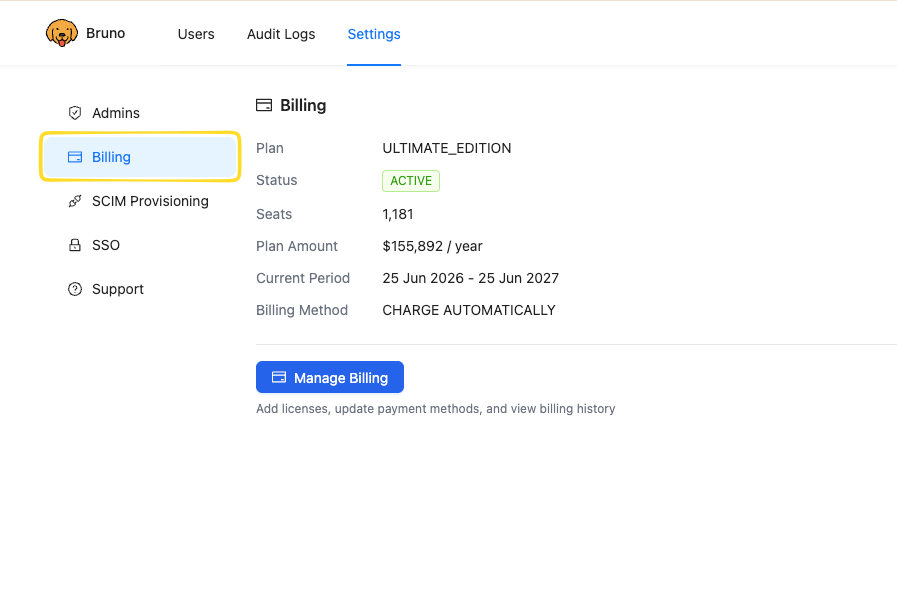 Here you can view the type of plan, number of licenses, and your subscription dates.
## Managing Billing
To make changes to your subscription, payment details, or invoices:
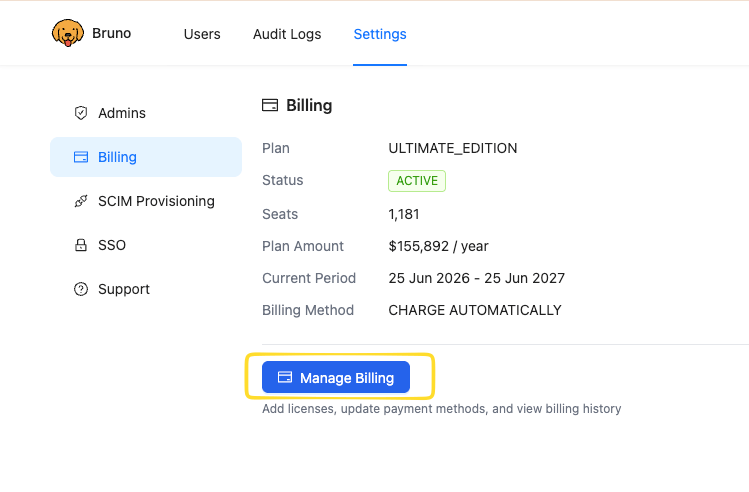
* From the `Billing` page, click `Manage Billing`
Here you can view the type of plan, number of licenses, and your subscription dates.
## Managing Billing
To make changes to your subscription, payment details, or invoices:
* From the `Billing` page, click `Manage Billing`
 You'll be taken to a secure billing portal hosted by Stripe, where you can perform all of the actions below.
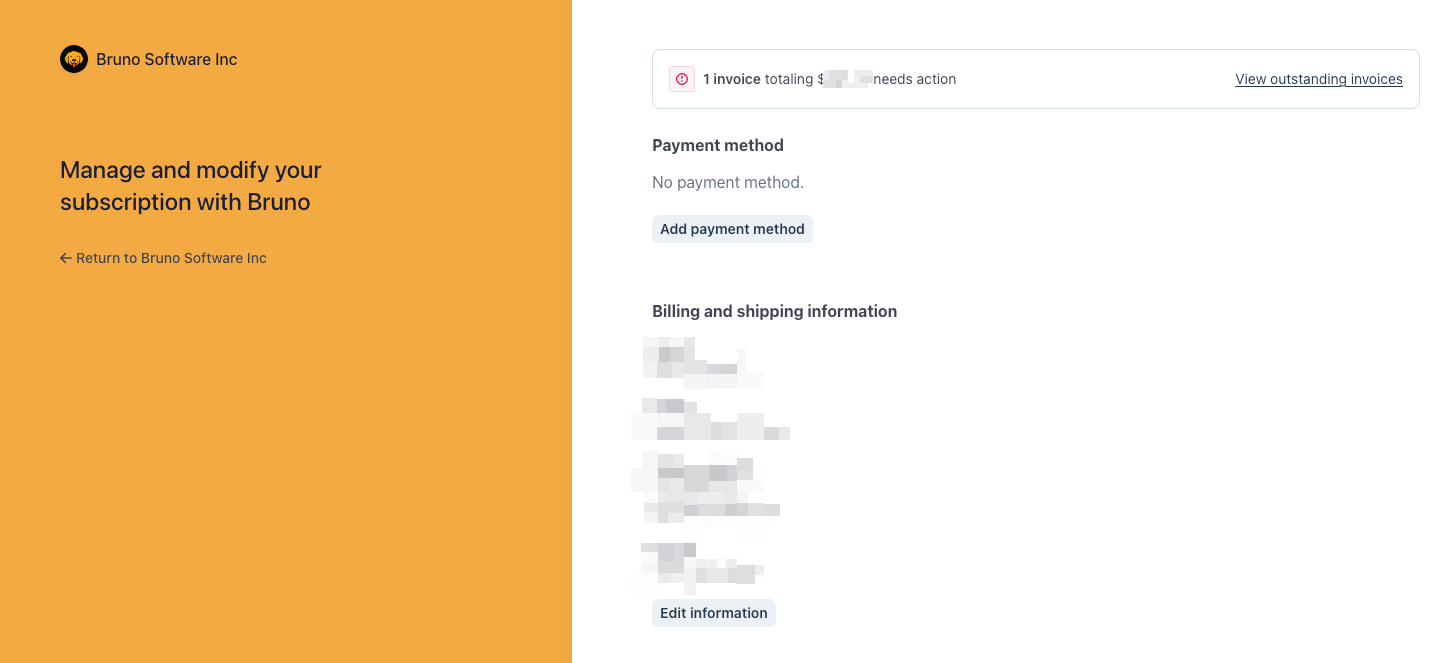 ### View outstanding invoices
Review your invoice history and view or download any outstanding or past invoices.
### Update your payment method
If you're paying by credit card, you can add, update, or remove a card on file.
### Update billing and shipping information
Modify the billing and shipping information associated with your account, such as your company name, address, and tax details.
### Change your plan
Update your subscription to adjust your plan or the number of licenses associated with your account.
All payment and billing changes are processed securely through Stripe. Bruno does not store your credit card details.
### View outstanding invoices
Review your invoice history and view or download any outstanding or past invoices.
### Update your payment method
If you're paying by credit card, you can add, update, or remove a card on file.
### Update billing and shipping information
Modify the billing and shipping information associated with your account, such as your company name, address, and tax details.
### Change your plan
Update your subscription to adjust your plan or the number of licenses associated with your account.
All payment and billing changes are processed securely through Stripe. Bruno does not store your credit card details.